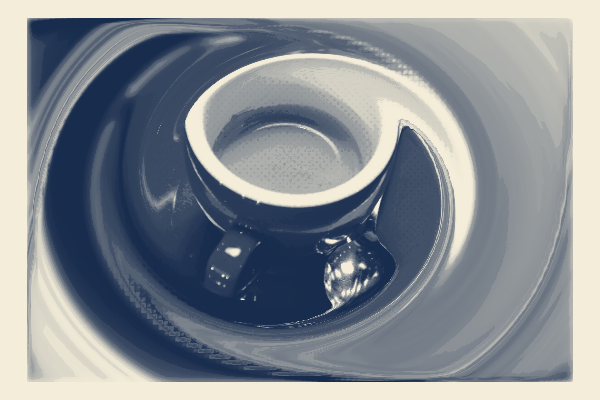
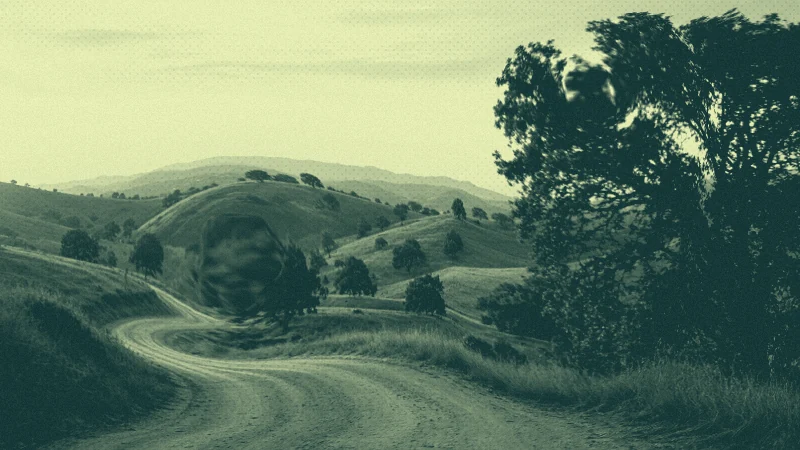
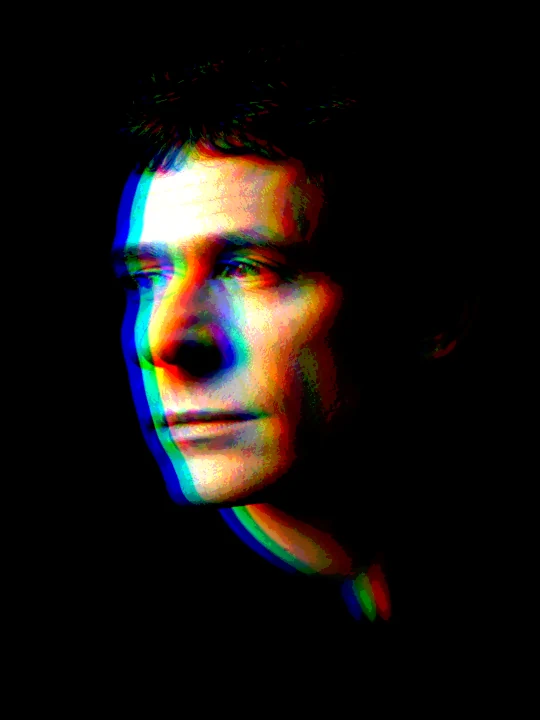
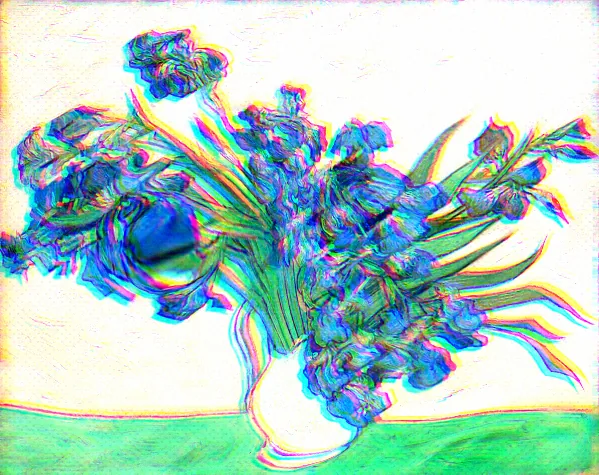
Keep a readable focal detail inside a broader movement. Preview the composition, place its protected area and choose a direction before adding local gestures.
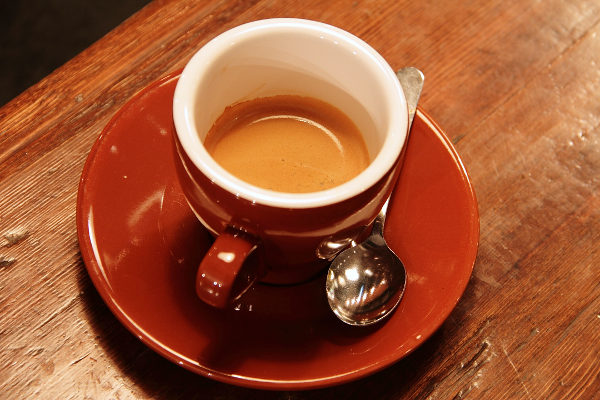
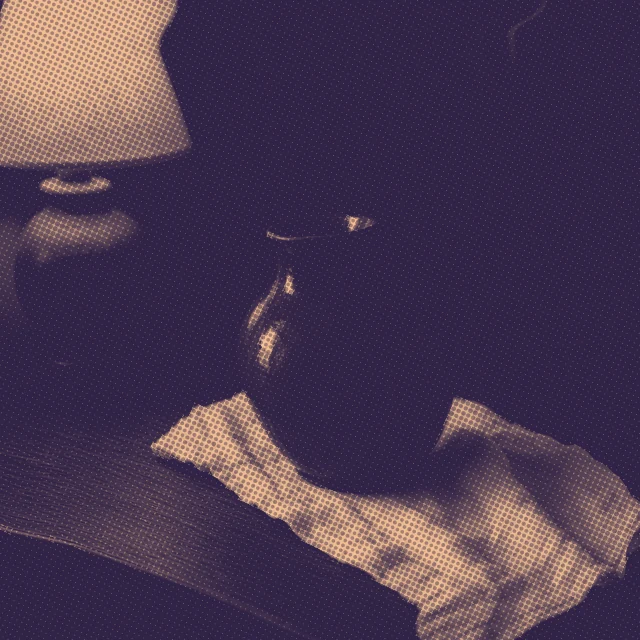
The cup is the anchor; the diagonal movement belongs to the table and saucer. The Sunprint inks connect both areas without replacing their photographic detail.
Make a decision. Compare the rim and handle with the source. They should remain recognizable while the surrounding sweep gives the image a direction. Enlarge or move the protected area if a defining edge is lost.
Try it. Open Start → Photographic current. Compare the protected cup with the flowing surround, then reverse Turn or reduce Movement. Applying Start is one undoable edit; compare the preview before applying, then keep a version in History.
For your own image, open Start → Load style and choose the downloaded file. Refit the focal area or crops, compare the preview and apply. The example uses an unmarked Pro output; the same creative controls are free.
Carry the direction to another image.
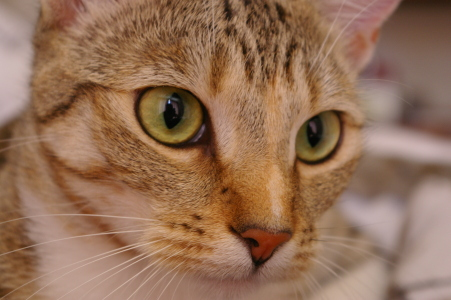
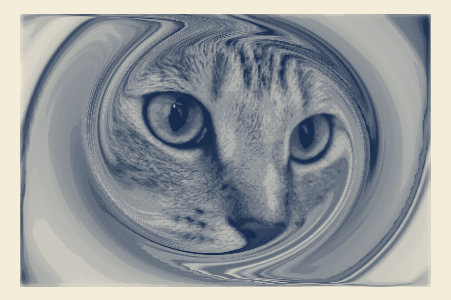
Save the style in Start. With a second photo, refit the focal area before applying: the same ink family and movement can follow a different subject. The cat variation below keeps both eyes, nose and mouth within the quiet area.
Chelsea · Stefan van der Walt · CC0 ↗Same direction, fitted to a different photograph.
The FLOW reference · Individual techniques
One image. Different decisions.
After trying the starting point above, isolate one decision here. These focused experiments retain the manual brushes, plates and competition controls. Continue with a useful result or return to Start to compose a fresh piece.
The studio asks before applying the setup. Your existing work stays intact until you choose.
01 / FLOW
Shape a gesture
The photograph is carried by a deforming mesh. Force changes its movement; reach changes how much of the image responds. Each preview repeats the same diagonal gesture.
Try this
Compare Push and Attract at the same strength. Then widen the reach without changing the gesture.
If it does not read
If the subject becomes unreadable, reduce strength first. A wide, soft brush moves a region more gently than a tiny hard brush.
Take it further
Use a still PNG for a sculpted photograph. In the studio, your next gestures can become a replay.
Pins hold the current shape locally. Here they are placed before the deformation. The identical liquid pose and outward deformation are applied with or without a protected center.
Try this
Turn protection off, then on. Enlarge the protected region only until the important detail becomes still.
If it does not read
A large pin can make the whole image feel frozen. Cover all defining features first: eyes, nose and mouth for a face, or the complete lettering of a label. Then release protection only where movement adds something; soften the transition.
Take it further
A still portrait with a moving surround works as a cover or a short loop. Save a project to keep its editable pins.
A pose shifts the whole mesh into a coherent shape. The additional displacement then opens one region; it is still your photograph, not a replacement image.
Try this
Compare Liquid and Magnetic with local movement set to zero. Add local movement after choosing the overall direction.
If it does not read
If the result feels arbitrary, keep one broad pose and one focal deformation. Add finishing only after the shape reads.
Take it further
Continue to Compose for color and print texture, or keep the photograph untreated.
The same force runs first. Return and friction then act for the chosen number of simulation frames. This is a still sample of that evolution, so you can compare it without chasing a moving preview.
Try this
Compare zero return with a strong return after 90 frames. Shorten the settling time to catch an intermediate shape.
If it does not read
A nearly unchanged image can mean the mesh has already returned. Reduce return or settling time to retain more of the gesture.
Take it further
Use Replay in the studio to choose a moment; export a still or the recorded evolution.
A local rotation moves the mesh around the brush center. Repair then brings only that region towards its source shape. Pinned points stay fixed, and distant regions remain untouched.
Try this
Compare clockwise and counterclockwise at the same reach. Increase Repair passes to unwind the result locally.
If it does not read
A tight repeated curl can fold the image. Use a broader soft brush, fewer turns, or Repair shape; keep a project version before pushing further.
Take it further
Open Brush to move the curl to your own focal point. Save the editable project; a replay records both twisting and repair.
Load a photo, open Start and choose Photographic current. Show source photo and place the protected detail; include every feature that makes the subject recognizable.
02 / Judge
Compare the source and preview at a small size. Move or enlarge protection if eyes, lettering or defining edges disappear. Use Movement and Turn to give the surround one direction.
03 / Refine
Preview the short loop, then Apply starting point. Undo restores the previous work. Continue with Brush for local Pin, Sculpt, Twist or Repair; Compose supports the shape with color.
04 / Carry it forward
Save a style and a History version. Export PNG or GIF / video; MP4 appears when H.264 is supported. Batch can refit each photo while keeping the inks and movement.
The focal fit follows image structure, not semantic subject detection. Inspect every photo; FLOW cannot reconstruct detail absent from the source. Protected drift, Liquid, Ribbon, Contour and manual gestures remain available for different intentions.