Exposure 0.4 · Contrast 0.35 · Saturation 0.6×
What this pass changes →FLOW / Print experiments
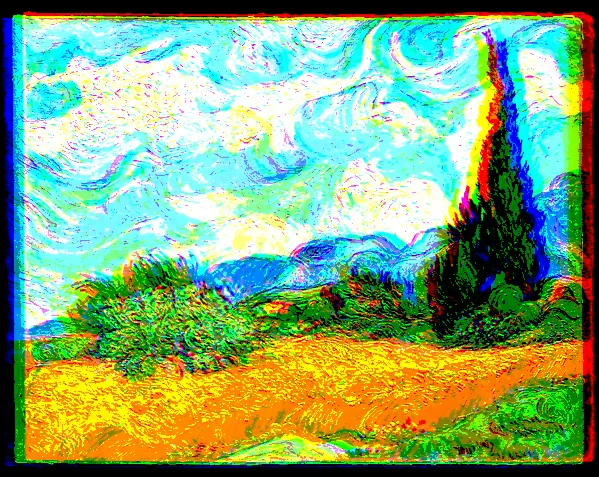
Afterimage.
Soft motion meets a hard color split.
Change Color offset in Compose, then try the Attract brush.
Choose the included images or your own inside the studio. Applying keeps your current work as a local copy.
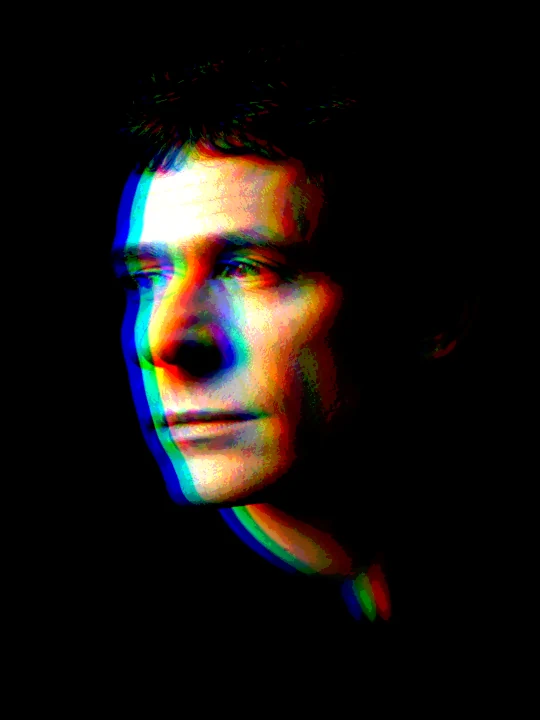
The transformation
From source to study.
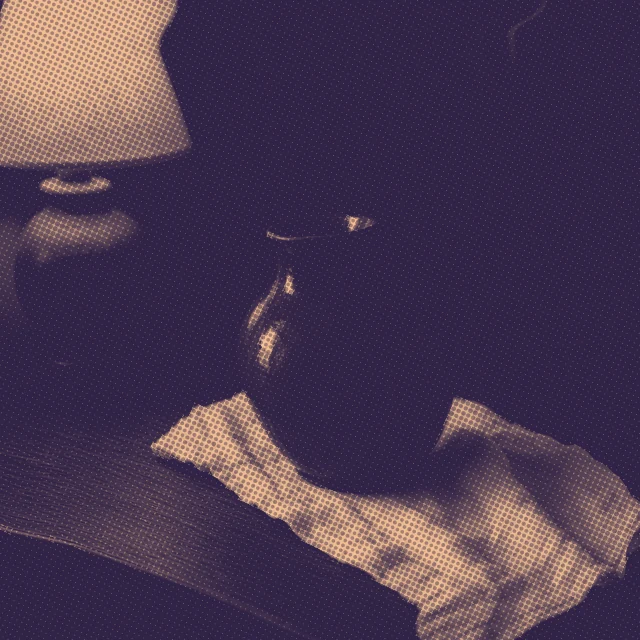
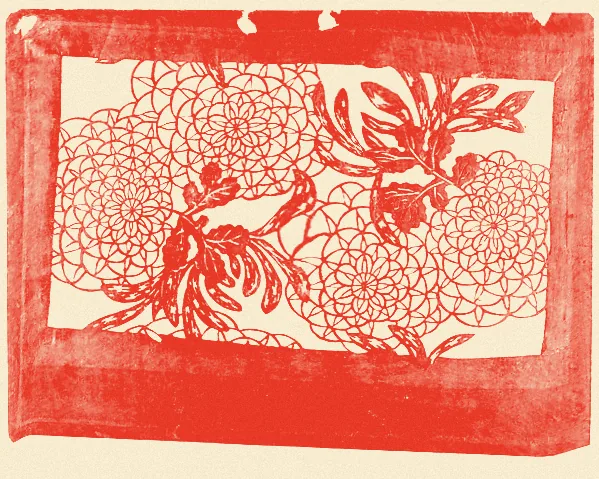
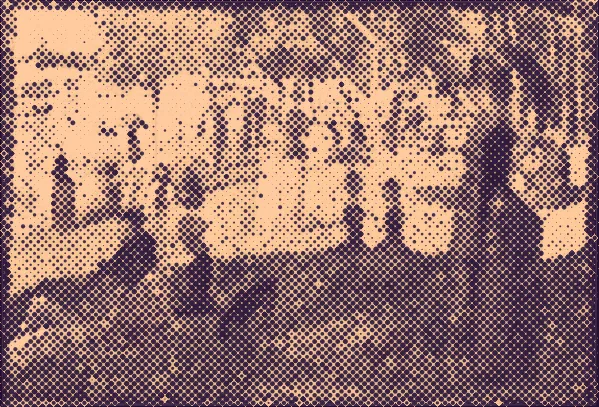
The result below is an actual studio export with this recipe. The source image is part of the result; changing it creates a different work.
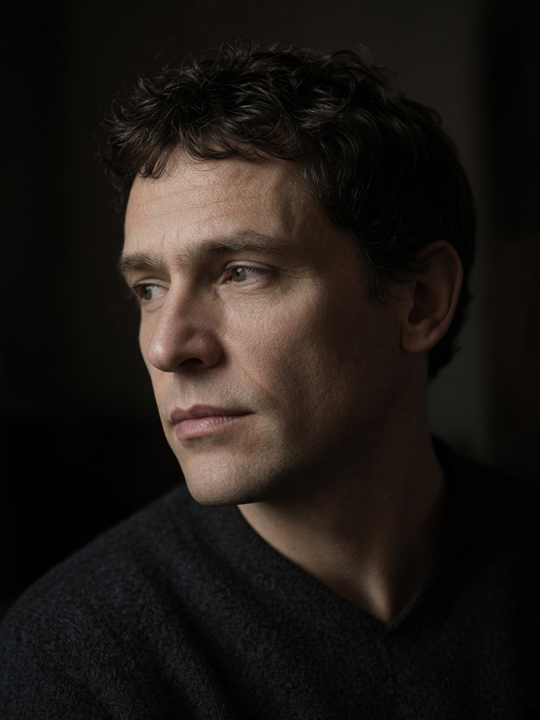
Generated Image Playground example, not a camera photograph.
Download this source ↓
FLOW + the settings below.
Inspect the full preview ↗
The recipe
Structure first. Finish second.
FLOW structure
- Brush reach 1.25× · Soft edge 65%
- Starting pose: magnetic
- 13 recorded sculpting actions · Strength 62%
- Return 0% · Friction 0.88
Compose passes, in order
Horizontal shift 2.5% of width · Vertical shift -0.4% of height
What this pass changes →5 levels per color channel
What this pass changes →Your first change
Change Color offset in Compose, then try the Attract brush.
PNG and animation retain the photographic finish. These are raster treatments.
Develop this into a finished work.
A subject with a still center
A composed PNG and an editable project backup with the source, focal treatment and local edits.
Follow the project →A cover that moves
A cover PNG, a short GIF or replay video, and the editable project.
Follow the project →