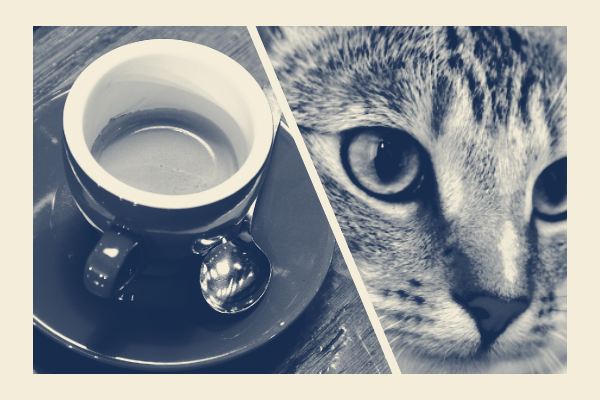
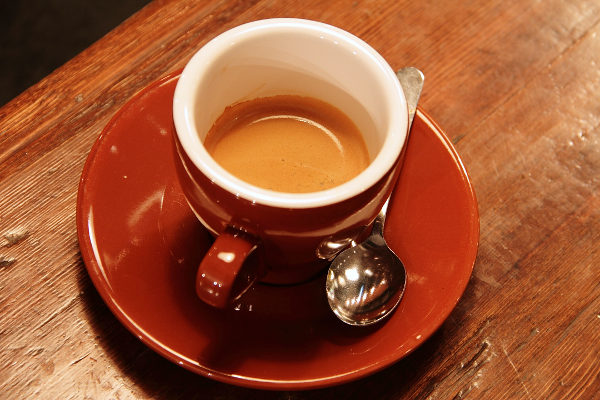
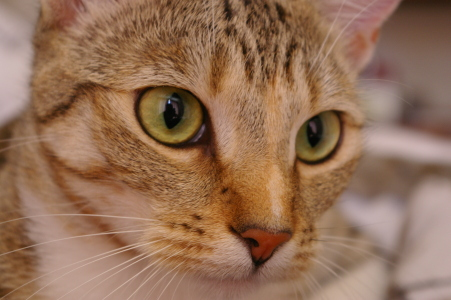
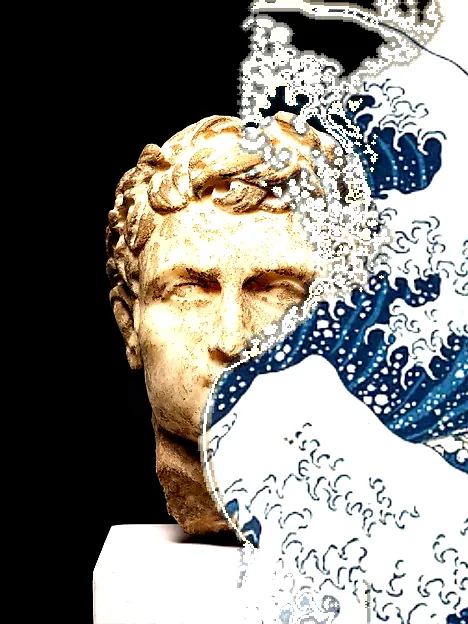
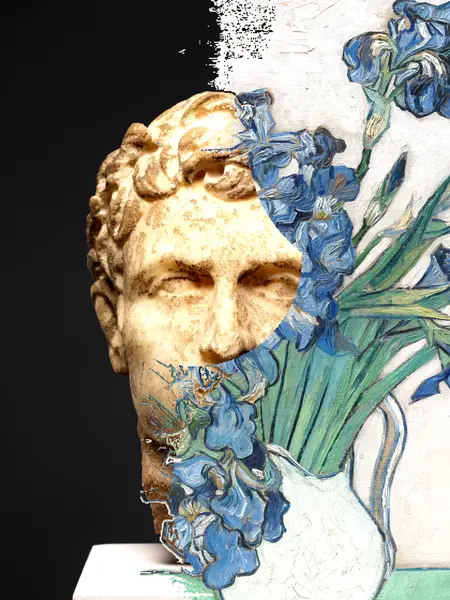
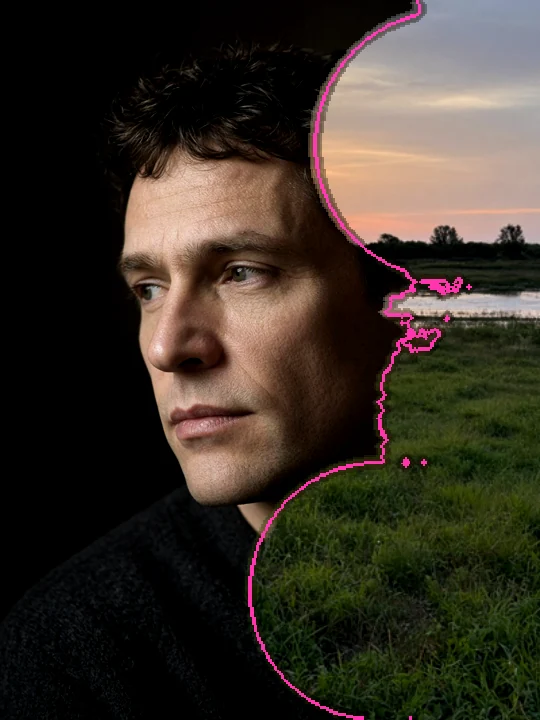
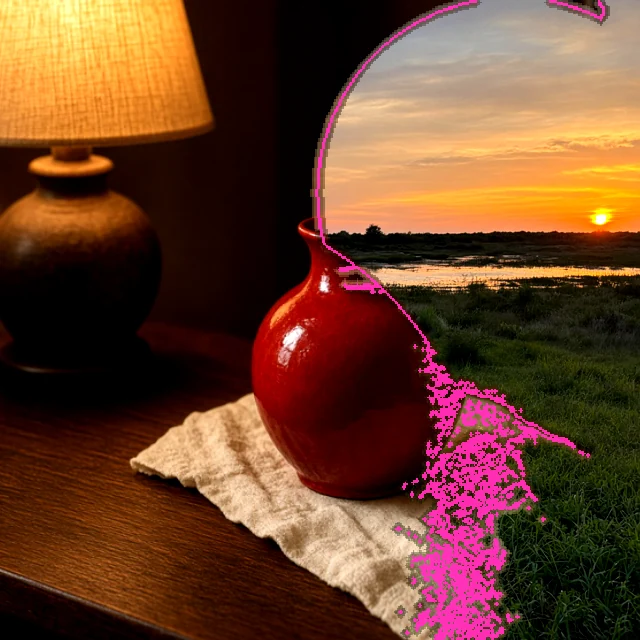
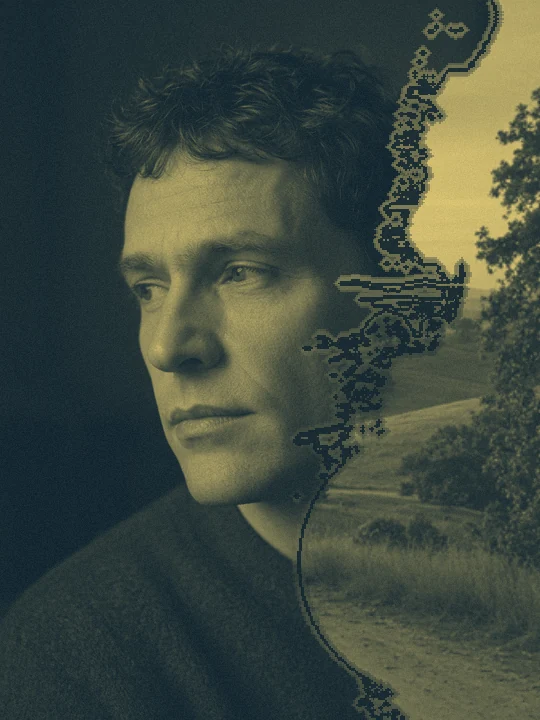
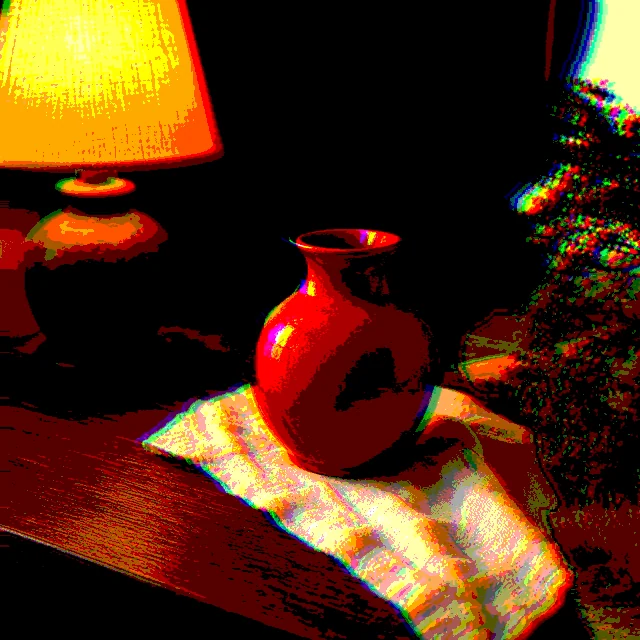
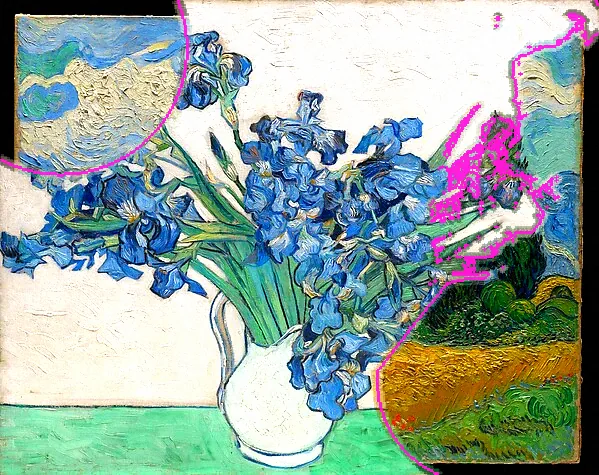
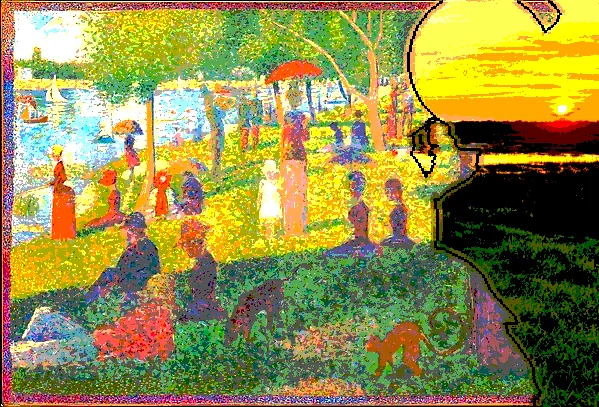
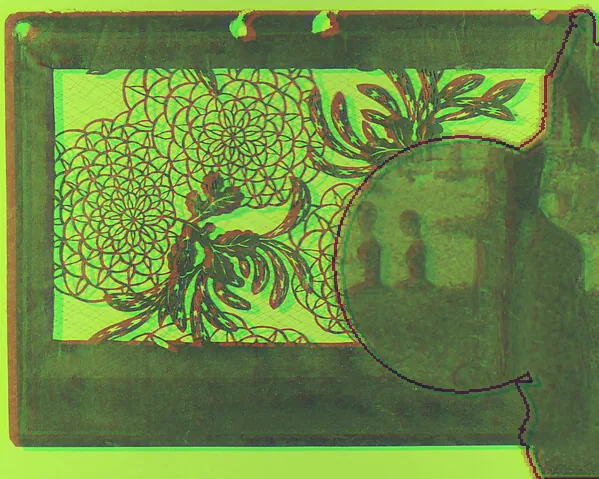
Choose a pair with a visual connection. Crosscut supplies a shared diagonal and focal height; you decide the crops, the balance and what each image contributes.
The cup’s round rim and the cat’s gaze create the relationship. Crosscut supplies a common diagonal and focal height; independent crops decide what each half contributes. Shared tones connect the two photographs.
Make a decision. Both the cup and the face should read at thumbnail size. Move or zoom A and B independently if one subject is clipped. An automatic crop cannot choose a meaningful subject pairing for you.
Try it. Open Start → Crosscut. Compare A and B, then adjust each crop so the cup and the cat’s gaze meet across the diagonal. Applying Start is one undoable edit; compare the preview before applying, then keep a version in History.
For your own image, open Start → Load style and choose the downloaded file. Refit the focal area or crops, compare the preview and apply. The example uses an unmarked Pro output; the same creative controls are free.
Carry the direction to another image.
Save the style. Apply to more photos replaces A while retaining B; Refit composition to each photo adjusts the pair to each new source. Review each crop. Turn refitting off only when exact repeated positions are the intention.
The DUEL reference · Individual techniques
One image. Different decisions.
After trying the starting point above, isolate one decision here. These focused experiments retain the manual brushes, plates and competition controls. Continue with a useful result or return to Start to compose a fresh piece.
The studio asks before applying the setup. Your existing work stays intact until you choose.
01 / DUEL
Choose what wins
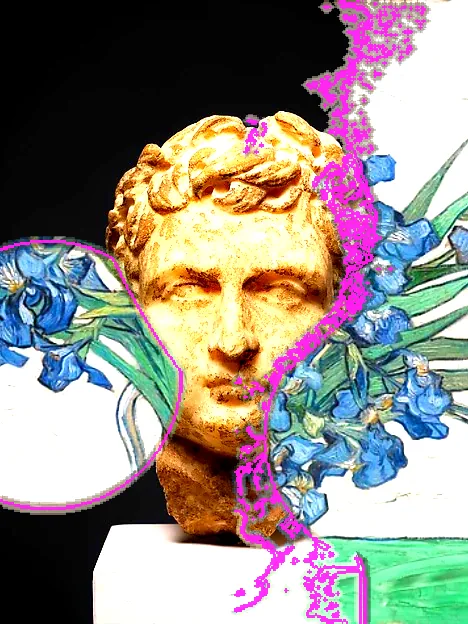
Brightness favors lightness, Edge responds to local structure, and Chaos adds seeded variation. Balance biases the competition; Spread changes how far a contested area reaches.
Try this
Keep both photos and framing fixed while comparing the three rules. Then move Balance slowly rather than immediately favoring one photo completely.
If it does not read
If only one image reads, bring Balance closer to zero or choose sources with more distinct shapes and tones.
Take it further
Save a still collision, or continue to paint specific areas before recording motion.
Painted influence directs ownership in a local region. The rest of the image continues to follow the selected competition rule. This example paints the same center-left region each time.
Try this
Give the region to A, then B. Increase softness to blend the edge while leaving the rest of the collision intact.
If it does not read
A broad, strong mark can erase the relationship between the photos. Reduce reach first, then strength; use Erase in the studio to return an area to automatic competition.
Take it further
Save a project to preserve editable influence and both source photos, alongside your flattened PNG.
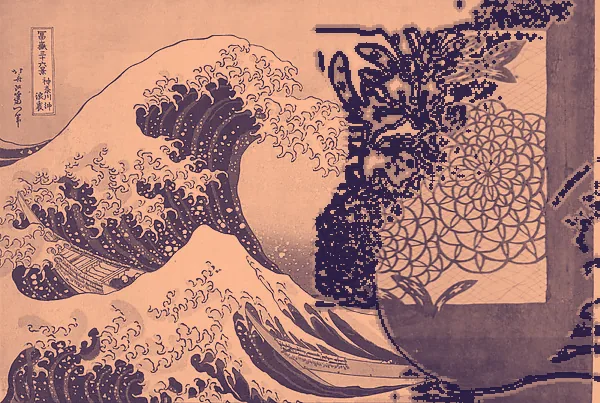
Each source has its own crop. Reframing changes the image content under the competition without stretching the photograph. Here Photo A stays fixed and Photo B moves independently.
Try this
Zoom B to bring one shape into conversation with A. Move its horizontal crop, then compare a mirrored version.
If it does not read
At a zoom of one, there may be little spare image to pan. Zoom in before moving the crop; choose a larger source for final output.
Take it further
Continue to Edit to adjust Photo A independently and paint the territories after composing the pair.
This samples the deterministic battle at a selected clock value. The pair, rule and seed remain fixed, making different moments directly comparable.
Try this
Move through the clock, then change Spread. Look for a moment where both photographs have a clear role.
If it does not read
More elapsed time does not always improve the image. Use a strong still as your starting point and keep motion subtle when the subject must stay readable.
Take it further
In the studio, hold the canvas or use Replay to choose a moment. Export a short loop or video; complex Compose stacks can take longer to render.
The same ownership map is held still while the contact treatment changes. Original edge retains the Look’s colored boundary, Clean cut joins source pixels directly, and Feather blends only around the boundary.
Try this
Compare all three styles before changing the rule. Widen Feather only until the two photos feel connected.
If it does not read
A wide blend can make a face ghosted or muddy. Reduce width or use Clean cut and paint a clearer territory instead. This control does not decide which photo wins.
Take it further
The treatment stays editable in the project, and is retained in stills, loops, replay and a rebuilt process.
Choose A and B with a related gaze, horizon, form or contrast. A determines the output aspect ratio. Open Start → Crosscut for a composed first arrangement.
02 / Judge
Compare A, B and the result. Adjust each horizontal / vertical crop, zoom or mirror so both subjects remain readable. Paired study gives separate regions; Tonal weave supplies a brightness-directed overlay.
03 / Refine
Apply, then open Edit to reframe either source, paint A/B ownership or choose contact and blending. Brightness, Edge and Chaos remain available for territory-based experiments; Balance is not opacity.
04 / Carry it forward
Save a style and project. Batch keeps B fixed while replacing A; refitting recomposes the pair for each input. Review every crop. Deliver a PNG or GIF / video; send the visible result to TRACE when editable ink shapes are needed.
A joint crop cannot choose subject meaning for you. DUEL uses your two images, not generated content or a semantic mask. Its PNG is flattened; a project retains both sources and their editable decisions.